Managing your photos, without Lightroom, after vacation
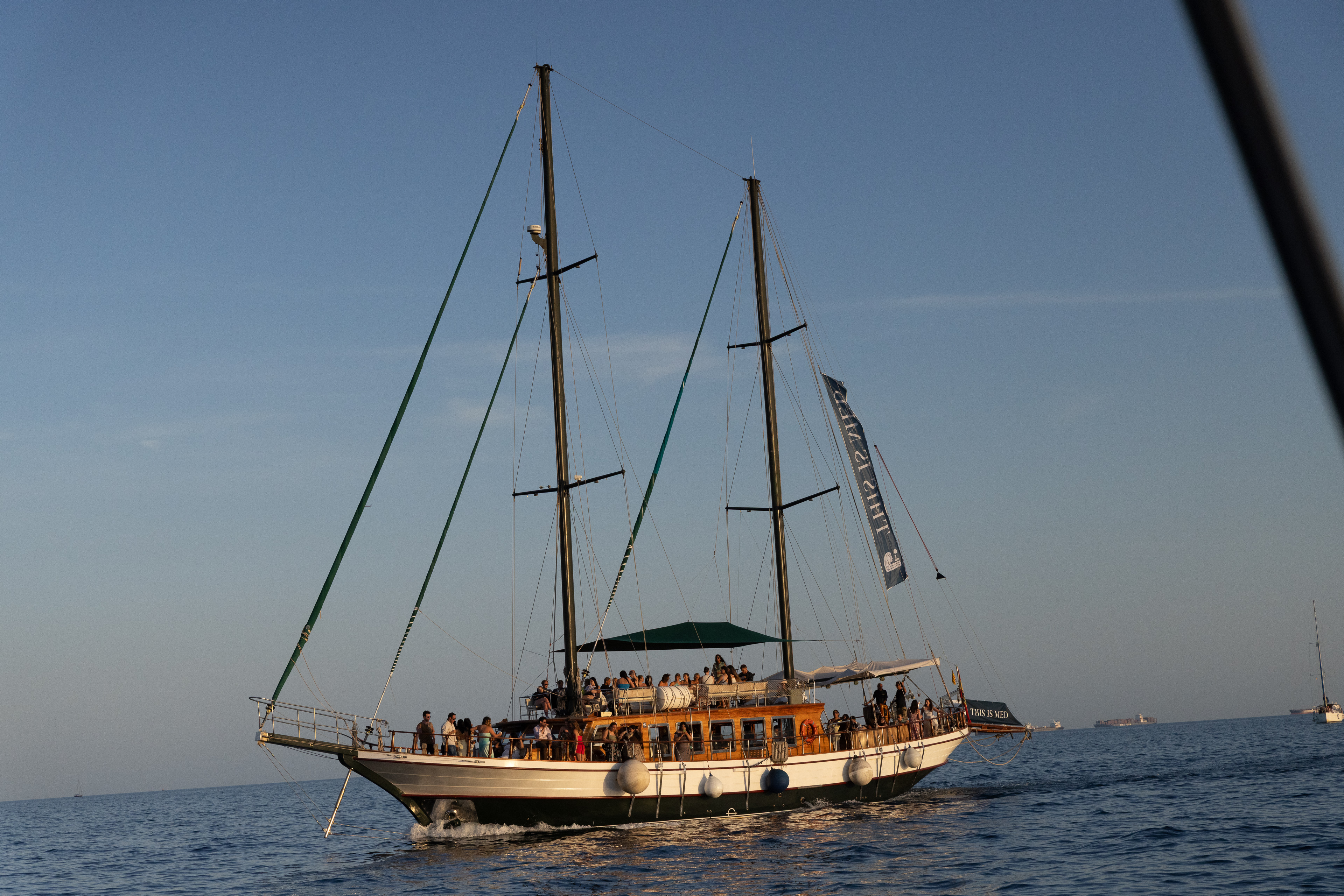


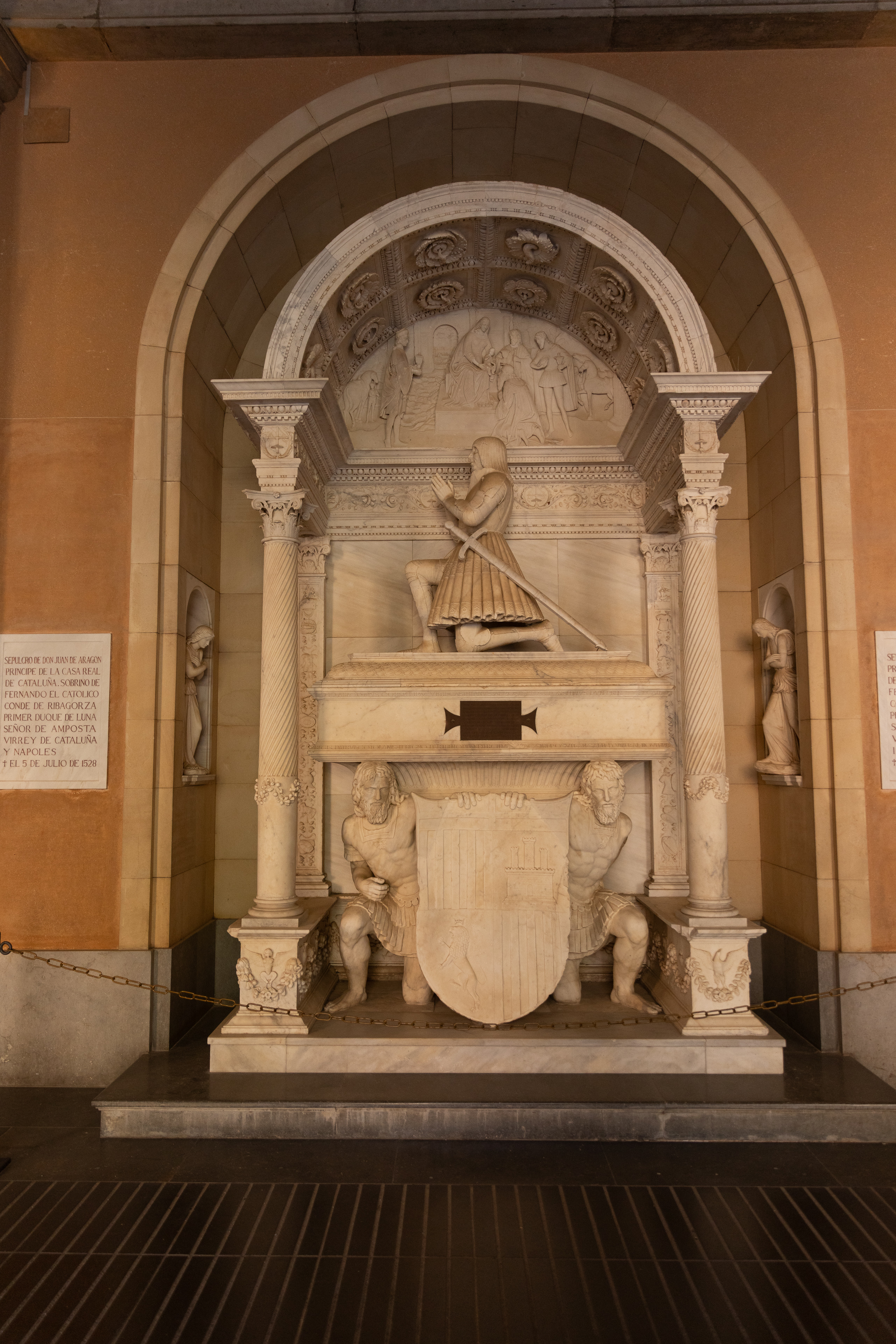




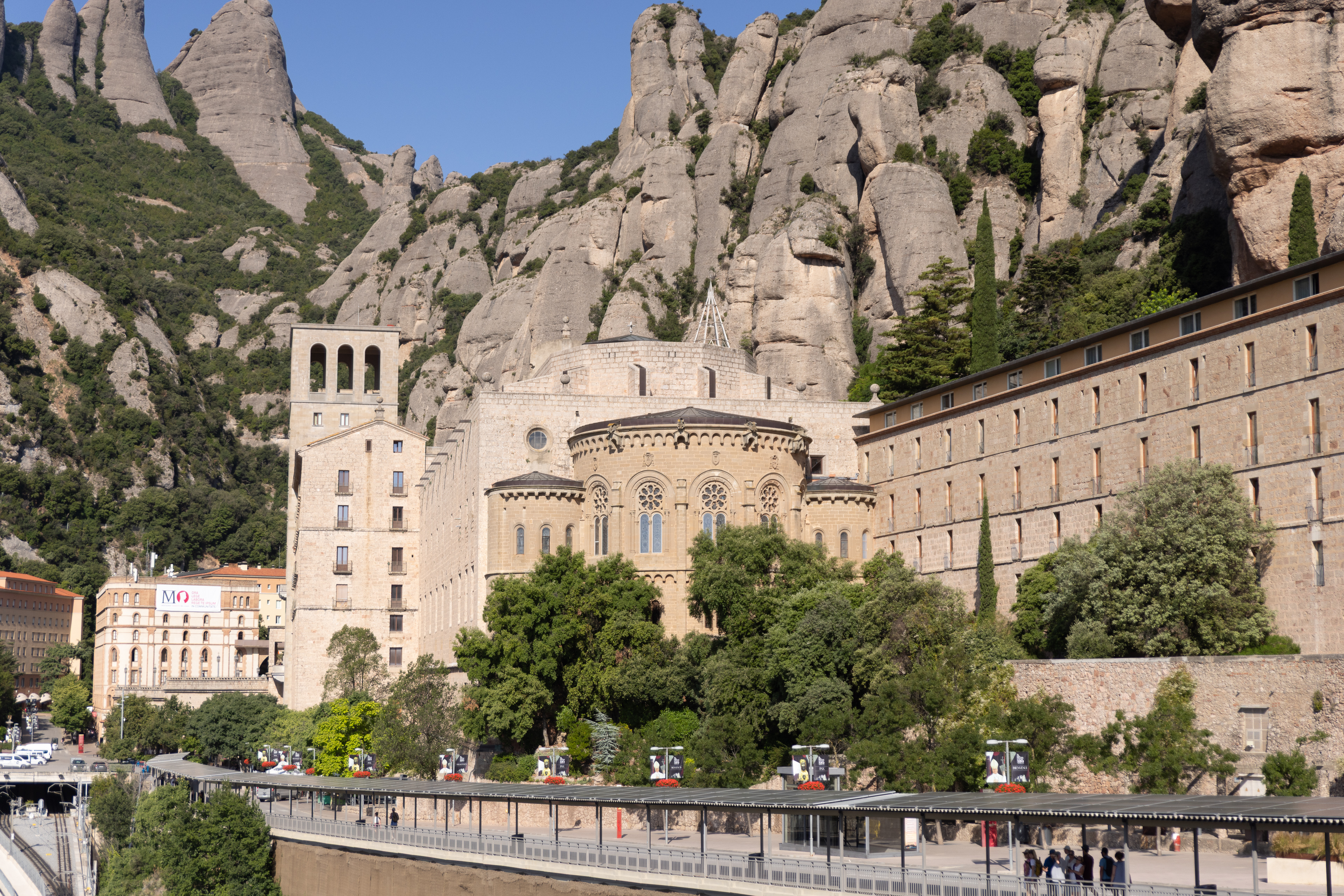
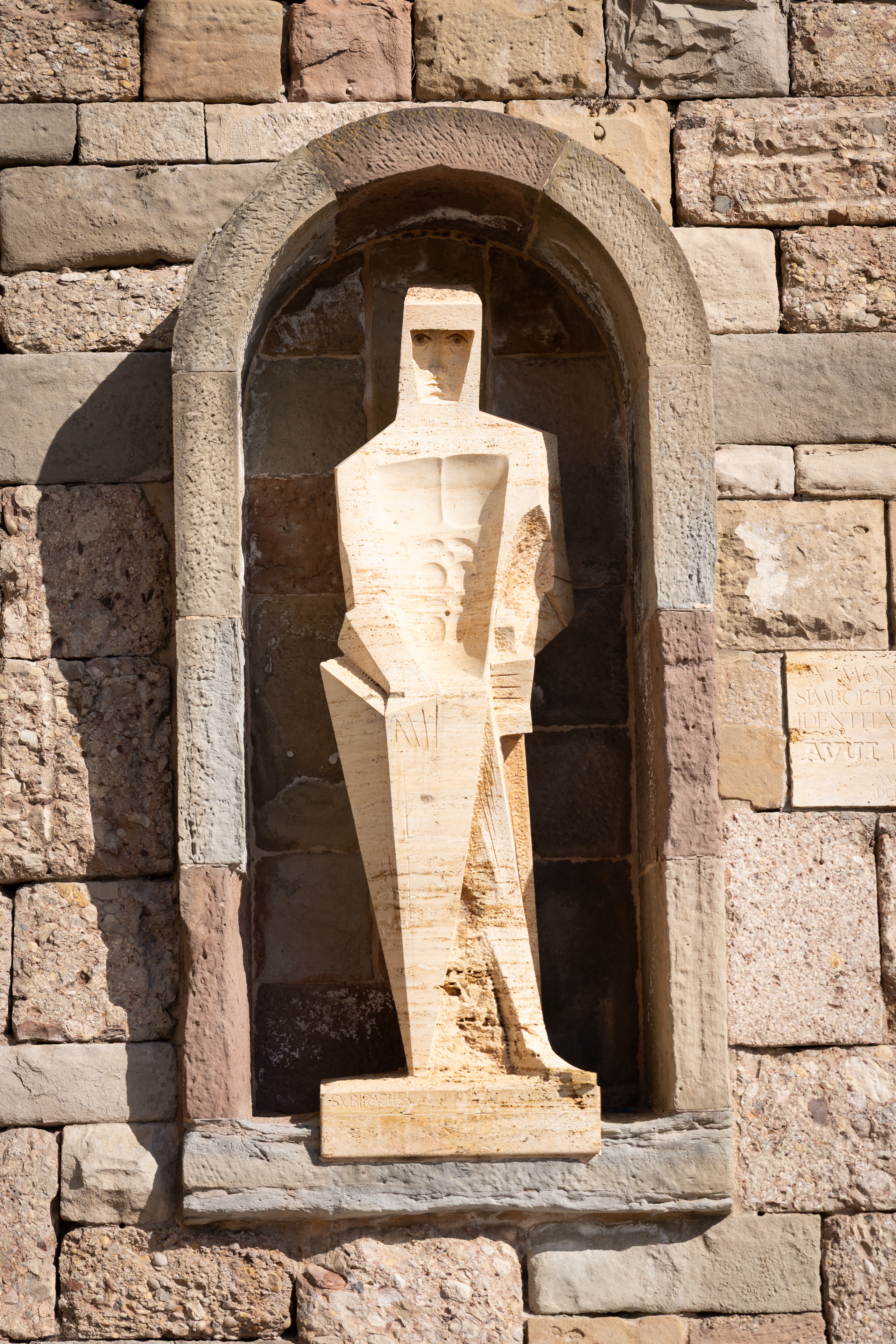


Managing Travel Photos When You Get Home (After Barcelona) without Lightroom
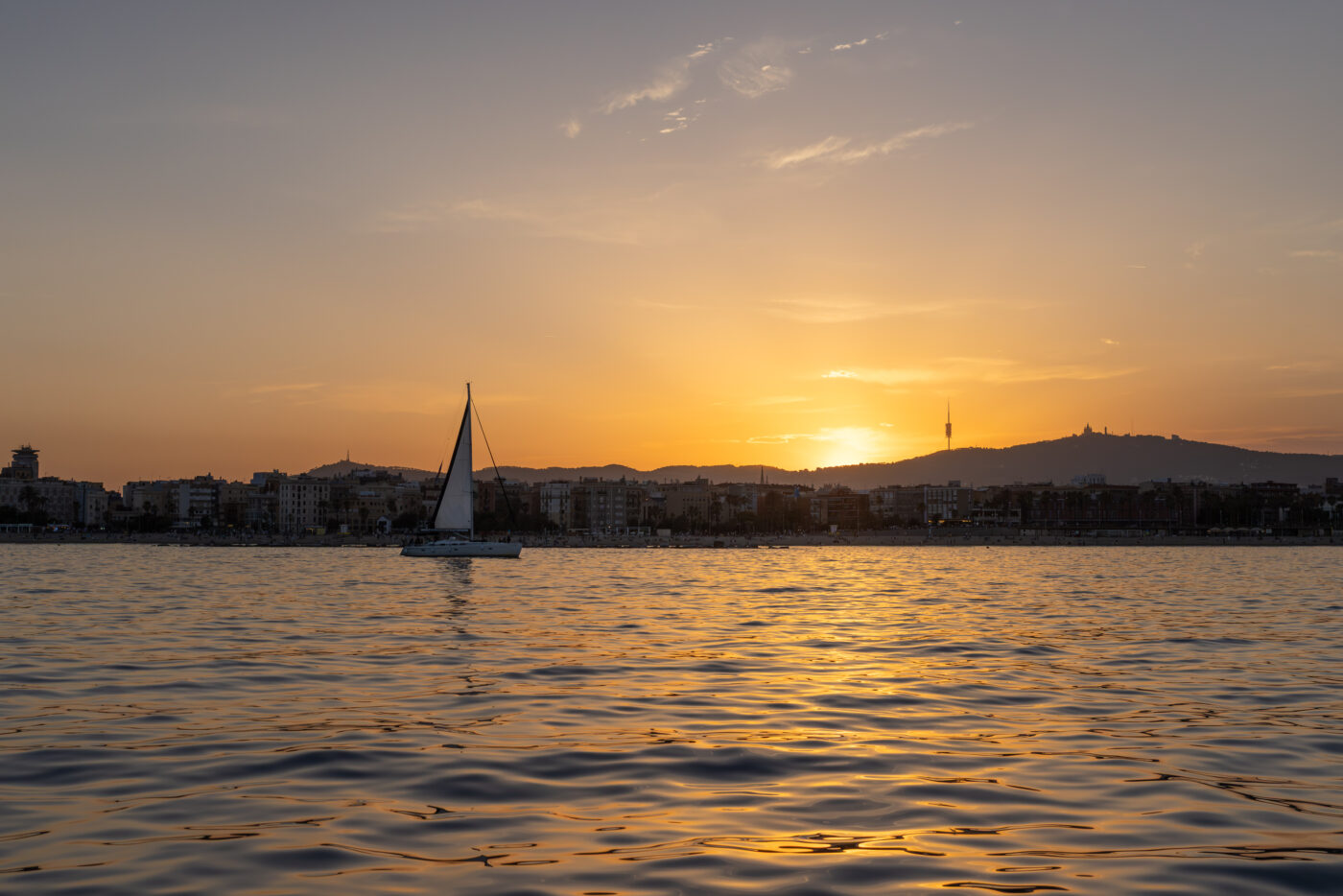
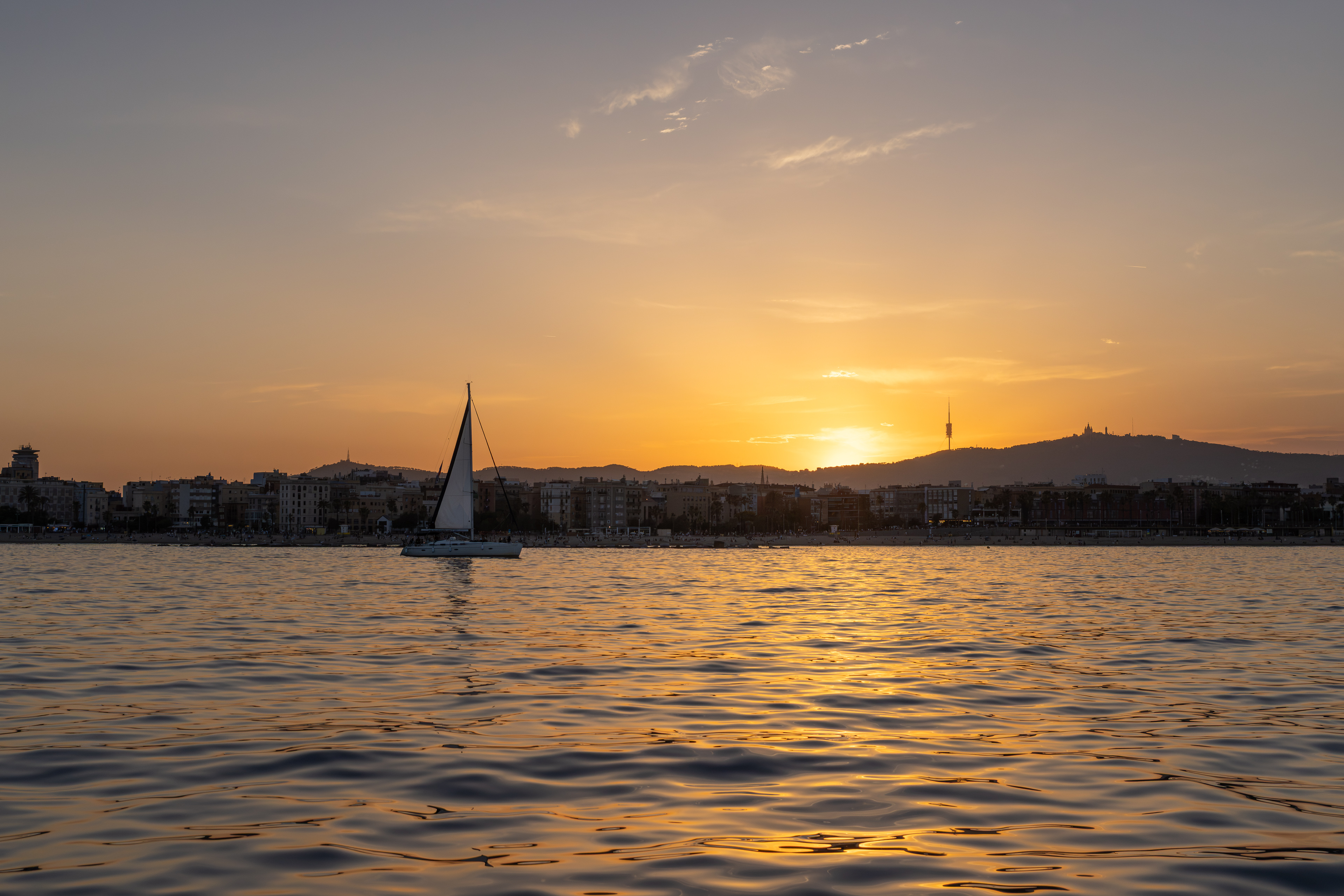
We just got back from Barcelona!
My suitcase is half-unpacked. My brain still thinks dinner starts at 9. And I spoke Spanish to randos way longer than I needed to because I couldn't turn it off.
Meanwhile, my photos are sitting there, patiently waiting.
If you want to actually find your travel photos later, here’s the simple order I suggest that doesn't use Lightroom. It's not a fancy system. It keeps you from losing files and your mind.
Step 1: Backup first, because you like your photos
This is the only urgent part.
- Copy everything to your computer
- Copy everything to a second place (external drive or cloud, I use Backblaze)
- Don’t format your card yet
If you’re a “I’ll do it tomorrow” person, same. Tomorrow is how photos vanish.
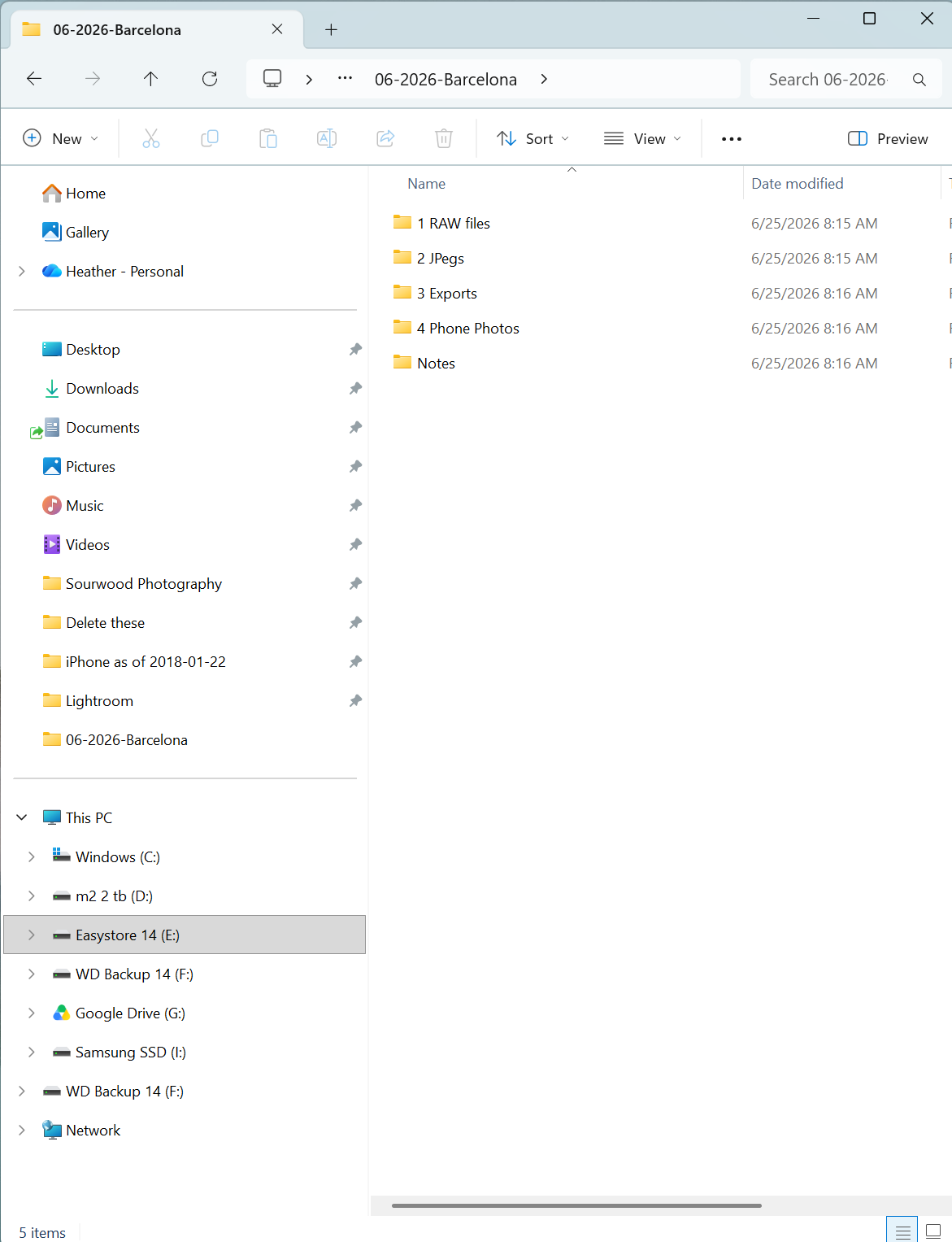
Step 2: Make one trip folder with one name
Pick a format you’ll actually keep using. For me, it's Lightroom Classic's format of 2026-06-22. If you need something more specific, you can append your trip with the month and year, like 2026-06 Barcelona.
Then inside that folder, keep it boring:
- RAW files
- JPEG (if you shoot RAWs, you can make jpegs from RAWs)
- Exports
- Phone photos
- Notes (a txt file with simple notes if you want them)
You can get fancy later. Right now you’re giving the trip a home.
Step 3: Pull your phone photos into the same trip
Barcelona on my phone includes:
- The “wait, this alley is perfect” photo
- The chandelier I definitely needed to photograph
- The photo of the store name
- The video I took while walking, because that happened, and not on purpose
Get those into the trip folder now, while you still remember what’s what.
If you don’t want to mix them with camera files, drop them into the Phone folder and leave them there.
Step 4: Cull in two passes (fast, then picky)
First pass is speed.
- Delete the obvious misses
- Delete true duplicates - we often overshoot when we are on vacation
- Keep anything you might want later
Second pass is where you choose what the trip actually was.
- Pick your favorites
- Pick the story shots (the ones that explain the day)
- Pick a few details (street signs, hands, tiny moments, the weird little things you’ll forget)
A good travel set isn’t just pretty, it has storytelling, too.
Step 5: Make a small “Best Of Barcelona” set
This is the part that saves you later.
Create a short collection you can actually use:
- 10-20 photos for sharing
- 20-50 photos for a blog post or album
- 60-100 photos if you want a full archive
If you only do one thing beyond backing up, do this.
Future You wants a short list while it's all still fresh.
Step 6: Edit with a light touch and a repeatable recipe
Travel photos usually need less than you think.
Here’s my basic order:
- White balance
- Exposure
- Contrast
- Crop and straighten (straighten your horizons if you can!)
- A little color cleanup
Then stop.
If you’re editing hundreds of photos, you don’t need a masterpiece, you need a little consistency.
Step 7: Export in two sizes so you don’t redo this later
Export once. Use forever.
- Full-res for printing and archiving
- Web-size for sharing
Name them clearly so you don’t accidentally upload the huge ones to your website and wonder why it’s slow.
Step 8: Write down the context you will absolutely forget
This takes five minutes and makes your photos feel like a story.
In the Notes folder, jot down:
- Dates
- Neighborhoods
- People (first names are fine)
- The name of that place you can’t spell
- The one moment you keep thinking about
You think you’ll remember but you won't.
Step 9: Share one small thing while it still feels alive
Pick one:
- A 10-photo album for family
- One blog post
- One Instagram carousel
Don’t wait until you’ve edited every photo from the trip. Share some while the travel still feels close.
The rule that keeps me sane
If you can’t find a photo in 30 seconds, your system is too complicated.
Your goal isn’t perfection.
Your goal is:
- Safe files
- A clear folder
- A short Best Of set
- Exports you can use
What’s your travel-photo personality?
- The “I edit on the plane” person
- The “I’ll do it next weekend” person
- The “my phone has 4,000 photos and I fear it” person
I hope you had a great trip and made lots of memories!